

.svg)
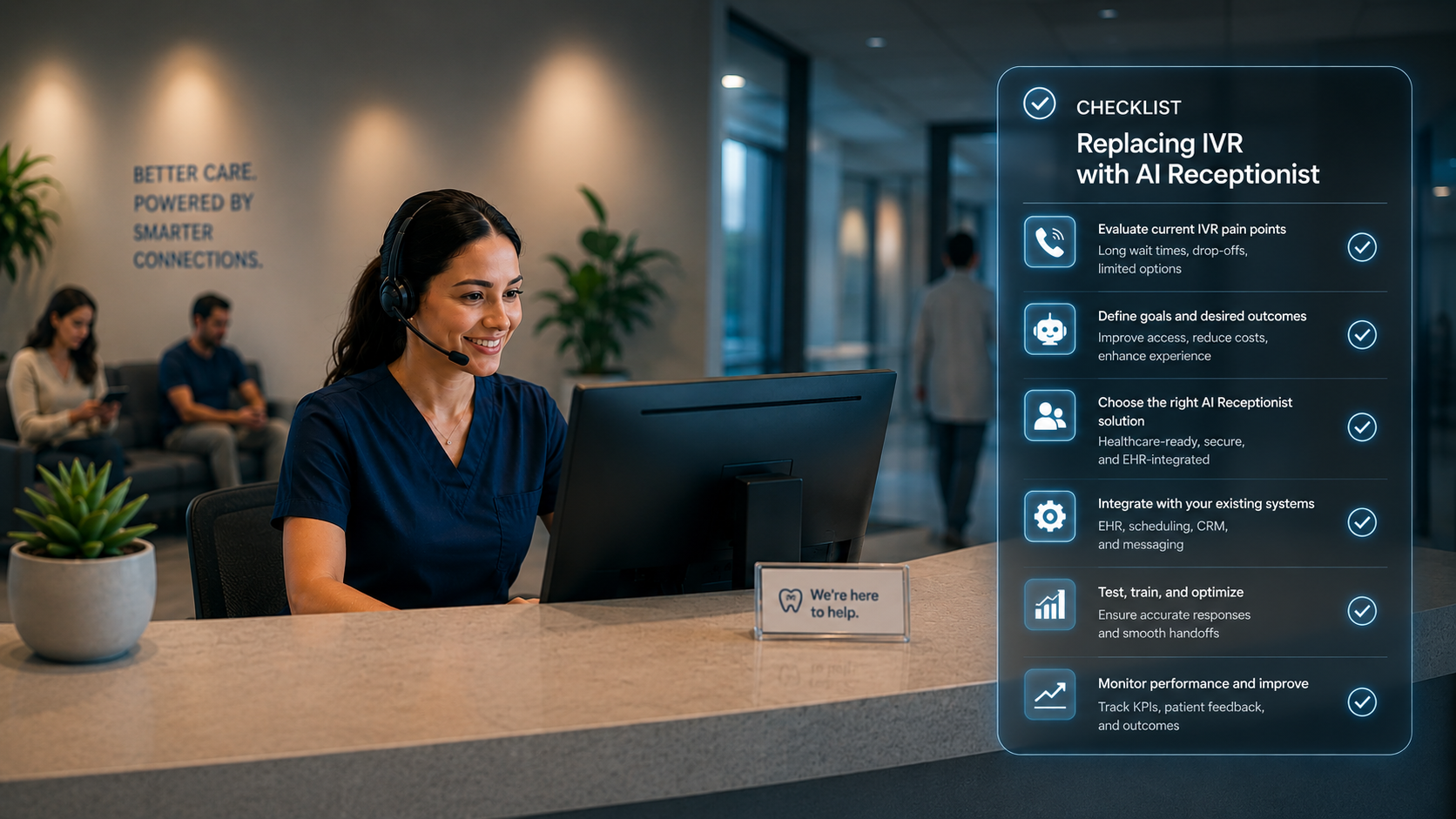
- This blog provides a practical step-by-step checklist for healthcare and dental practices planning to replace outdated IVR systems with AI receptionists.
- Learn how to evaluate your current phone workflows, identify operational gaps, and define the right AI capabilities for your practice needs.
- The article also explores key considerations like EHR integration, compliance, multilingual support, staff training, and patient journey mapping.
- It highlights how practices can measure success through improved call answer rates, reduced no-shows, lower staff burden, and stronger patient satisfaction.
- Most importantly, the blog explains why AI receptionists are becoming the modern alternative to frustrating IVR systems, helping practices deliver faster, more human patient experiences.
Introduction: Why This Checklist Matters
If you’re still relying on an IVR system, chances are your patients aren’t thrilled. The endless menus, button-pressing, and hold times don’t reflect the patient experience you want to deliver. In healthcare and dental practices, every missed call is not just a frustration. It’s a missed appointment, delayed care, or lost revenue.
That’s where AI receptionists come in. Unlike IVR, they understand natural speech, handle complex requests, and integrate directly with your EHR. But moving from IVR to AI isn’t just flipping a switch. It requires planning, integration, and the right vendor.
This checklist will guide you through each step, allowing you to make the switch with confidence.
Assess Current IVR Limitations
Before making any changes, take an honest look at how your IVR is performing. Put yourself in the patient’s shoes – how easy or frustrating is it to reach you?
☐ Track average call wait times and abandonment rates
☐ Measure % of calls that require staff intervention
☐ Note patient complaints about “menus” or call loops
☐ Identify missed appointments or lost revenue due to poor call handling
Define Your Practice Needs
Every practice is different. A busy dental service organization has very different call patterns than a three-provider clinic. Start by clarifying what your AI receptionist will need to handle.
☐ Daily call volume (low, medium, high)
☐ Complexity of calls (simple confirmations vs. multi-step scheduling, insurance verification, referrals)
☐ After-hours call requirements
☐ Compliance requirements (HIPAA, TCPA, SOC 2)
☐ Support for multiple providers, specialties, or locations
Map Patient Journeys
Your front desk doesn’t just answer the phone; it supports patients at every stage of their care journey. Mapping this out ensures your AI can cover the full cycle.
☐ Intake: Scheduling, rescheduling, and new patient onboarding
☐ Pre-visit: Insurance verification, paperwork completion, reminders
☐ Day-of: Check-ins, urgent triage
☐ Post-visit: Follow-ups, lab result calls, recall scheduling
☐ Patient support: FAQs, billing questions, prescription refills
Integration Requirements
AI is only as good as its ability to “plug in” to your existing systems. Ensure that any solution you consider integrates seamlessly with your existing workflows.
☐ EHR/Practice Management System (Dentrix, OpenDental, CareStack, Eaglesoft, Athena, ECW, etc.)
☐ Telephony system (Twilio, RingCentral, 3CX, Mango, etc.)
☐ Clearinghouses for insurance eligibility checks
☐ CRM or patient engagement platforms
☐ Payment gateways (for co-pays or outstanding balances)
AI Receptionist Capabilities to Check
Not all AI receptionists are created equal. Some handle only basic FAQs, while others are built for healthcare-grade complexity. Make sure you’re evaluating the right features.
☐ Natural language understanding (patients can speak freely, no menus)
☐ Handles scheduling, reminders, and rescheduling rules
☐ Answers FAQs (hours, directions, insurance accepted)
☐ Verifies insurance and benefits in real-time
☐ Multi-location call routing logic
☐ Multilingual support for diverse patient populations
☐ Escalation workflows when AI is unsure
☐ Compliance-ready (HIPAA, SOC 2, TCPA)
Change Management & Training
The technology is only half the story. The other half is how well your staff adapts. A smooth rollout depends on preparing your team for what’s ahead.
☐ Get buy-in from leadership and staff
☐ Communicate clearly that AI augments staff, doesn’t replace them
☐ Train staff on how to monitor, override, or escalate calls
☐ Set expectations for a 6–12 month optimization timeline
Vendor Evaluation Questions
When evaluating vendors, go beyond the sales pitch. Ask tough questions that reveal whether they truly understand healthcare and dental practices.
☐ Do you have healthcare and dental references?
☐ How deep are your EHR integrations? (API vs. manual workflows)
☐ What is your average implementation timeline?
☐ How do you handle compliance and data security?
☐ What % of calls can your AI handle end-to-end without staff?
☐ What support do you provide post go-live?
ROI & Performance Metrics
The move to AI must pay off. Set clear metrics before you start, so you can prove its value to your staff, leadership, and patients.
☐ Call answer rate (before vs. after)
☐ % of calls fully resolved by AI
☐ Reduction in staff call burden (hours saved per week)
☐ Decrease in no-shows and cancellations
☐ Increase in patient encounters and revenue per provider/location
☐ Patient satisfaction score (post-call surveys)
Pilot & Scale Strategy
Don’t try to replace everything at once. Start with a pilot, learn, and then expand step by step.
☐ Start with 1–2 locations or specialties
☐ Run a 90-day pilot measuring baseline vs. post-implementation metrics
☐ Collect patient and staff feedback
☐ Optimize call flows, FAQs, and integrations
☐ Expand across locations and add back-office workflows (insurance, denials, claims)
Final Step: Choose an AI Receptionist that adapts to patients, not one that forces patients through outdated menus.
Conclusion
Replacing IVR with an AI receptionist isn’t just about upgrading phone systems. It’s about fixing one of the biggest pain points in healthcare operations: patient access. In today’s environment, every unanswered call can mean a missed appointment slot, delayed treatment, or even a lost patient.
Confido Health’s AI Receptionist is built to solve these problems for medical and dental practices:
- No More Missed Calls – Every patient call is answered, whether it’s scheduling, a prescription refill, or an urgent question after hours.
- Smarter Appointment Management – Handles scheduling, rescheduling, recalls, and waitlist fills without staff intervention.
- Insurance and Eligibility Verification – Confirms coverage in real time, reducing check-in delays and claim denials.
- Streamlined Patient Communication – Sends automated reminders, follow-ups, and lab result notifications to keep patients on track with their care plans.
- Support for Multi-Provider and Multi-Location Practices – Routes calls based on provider availability, specialty, or clinic location.
- Natural, Human-Like Conversations – Patients can explain their needs in their own words, and the AI responds with context and empathy.
- Healthcare-Grade Integrations – Works seamlessly with leading EHR and practice management systems like Dentrix, OpenDental, Eaglesoft, Athenahealth, and eClinicalWorks.
- Compliance at the Core – HIPAA, SOC 2, and TCPA compliance are built in to protect patient information.
But technology alone doesn’t solve the problem. What sets Confido Health apart is that we partner with your team through the entire transition. From the first assessment of your IVR limitations to mapping patient workflows to training your staff, we stay involved to ensure smooth adoption.
Most practices see measurable results within weeks:
- Staff call burden reduced by 60–70%
- No-shows and cancellations cut by up to 35%
- 3x increase in follow-up encounters
- Significant revenue recovery from previously missed calls
We believe your clinical staff should spend their time on patient care, not on phones and paperwork. Our mission is to restore that balance by making patient access effortless and administrative work invisible.
.webp)
